GitLab
Create, search and modify issues, manage merge requests, projects and more.
GitLab
Raycast extension to create, search and modify issues, manage merge requests, projects and more.




Features
- Manage your issue
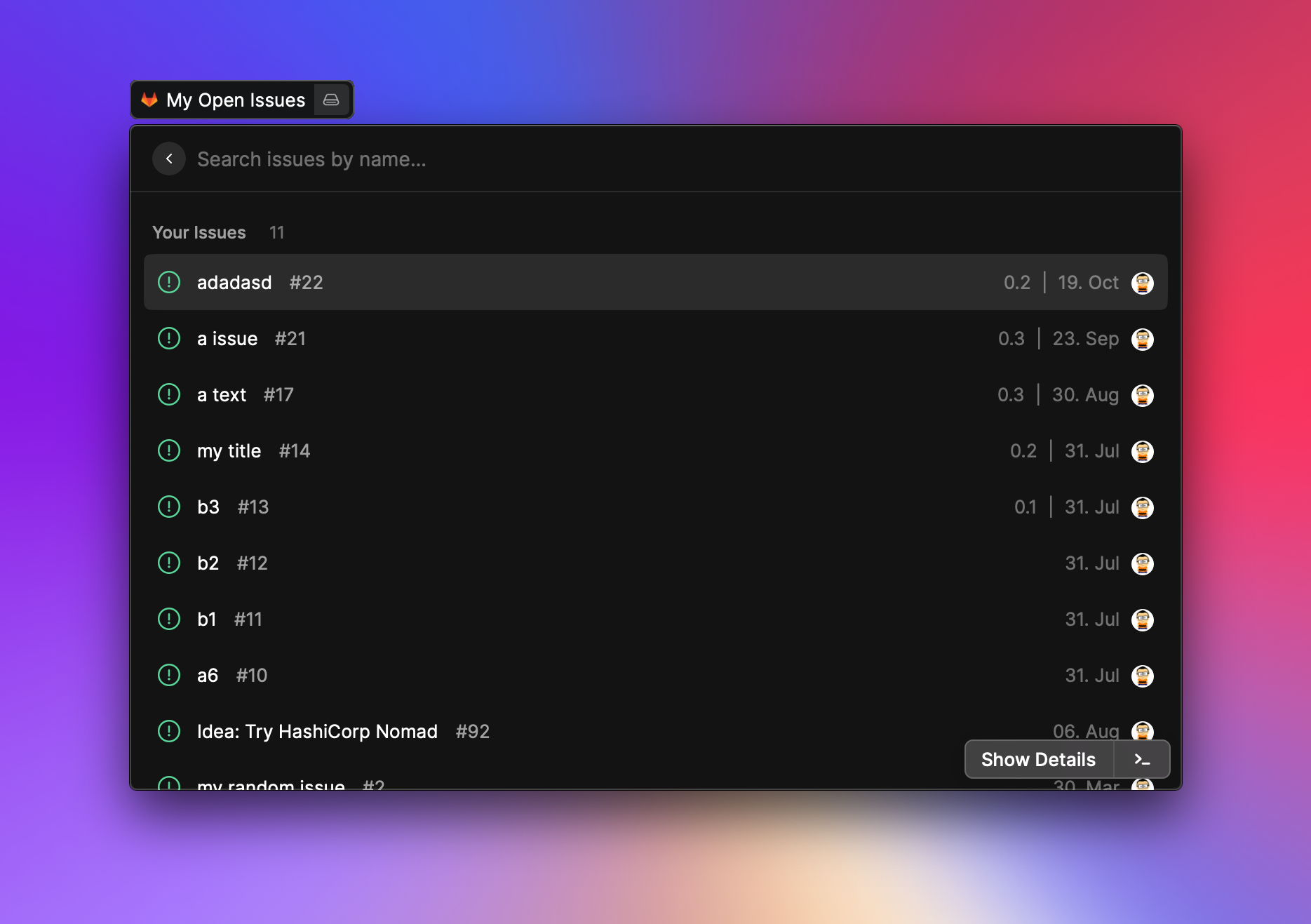
- Manage your assigned issues
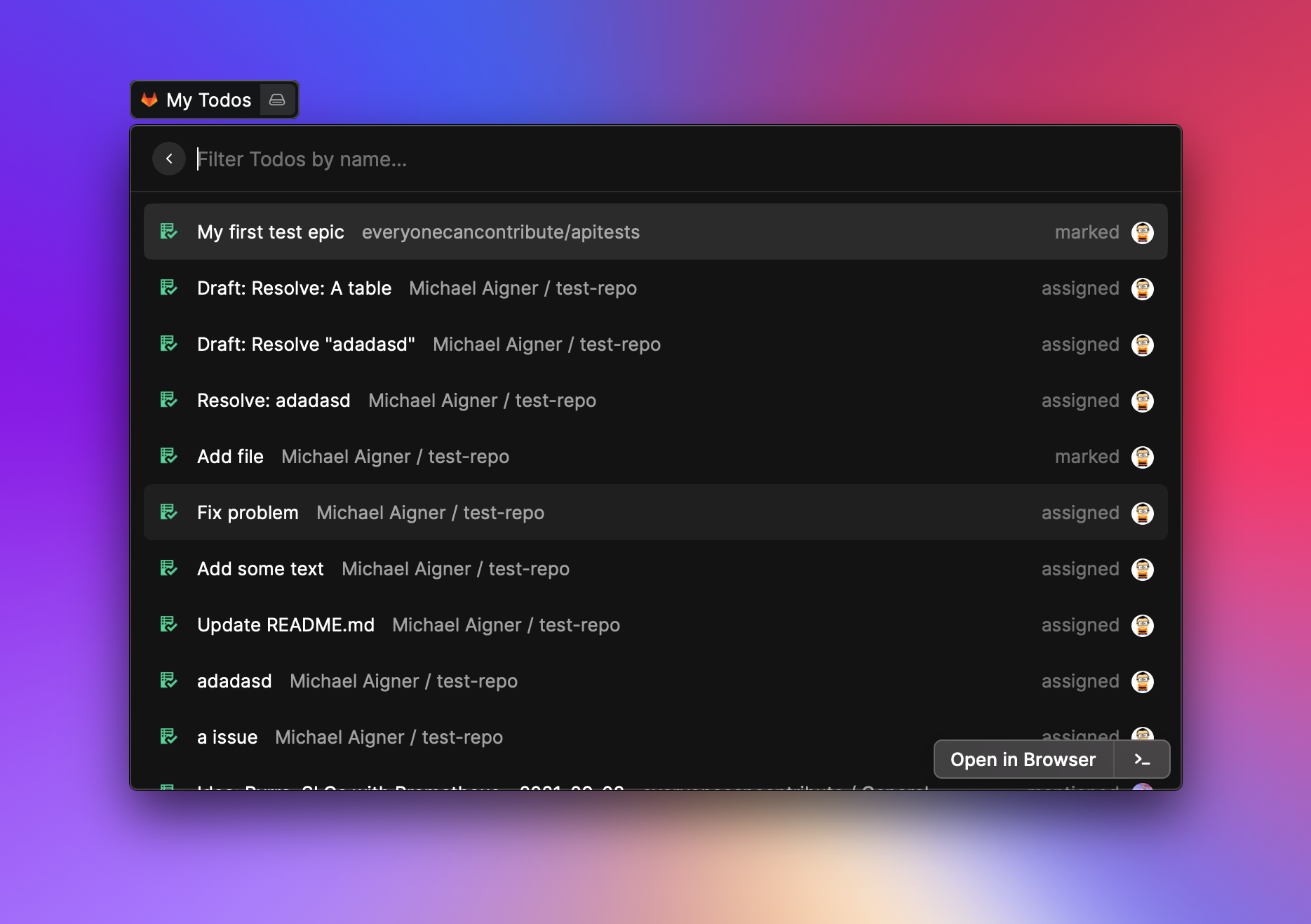
- Manage your GitLab todos
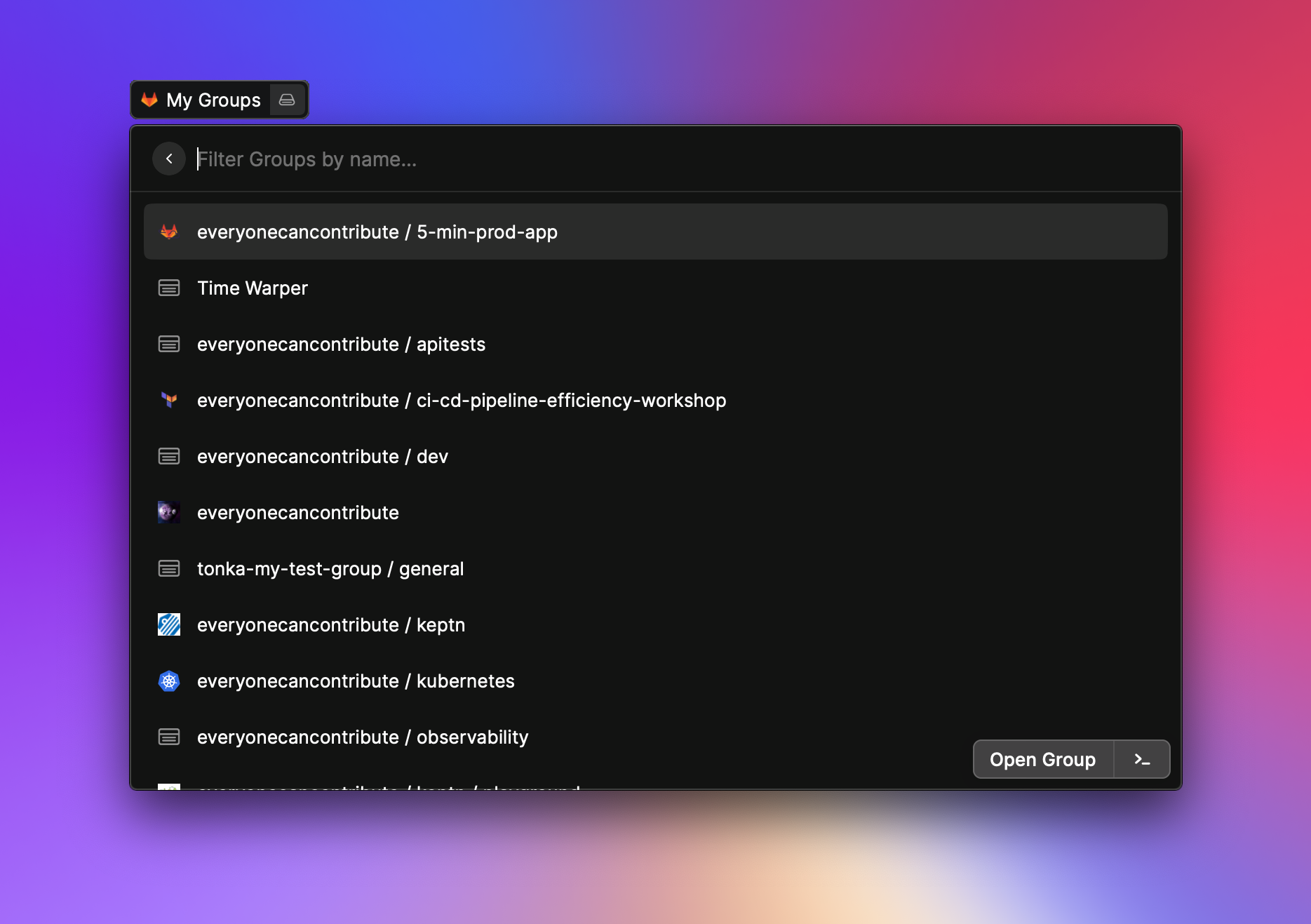
- Manage your projects
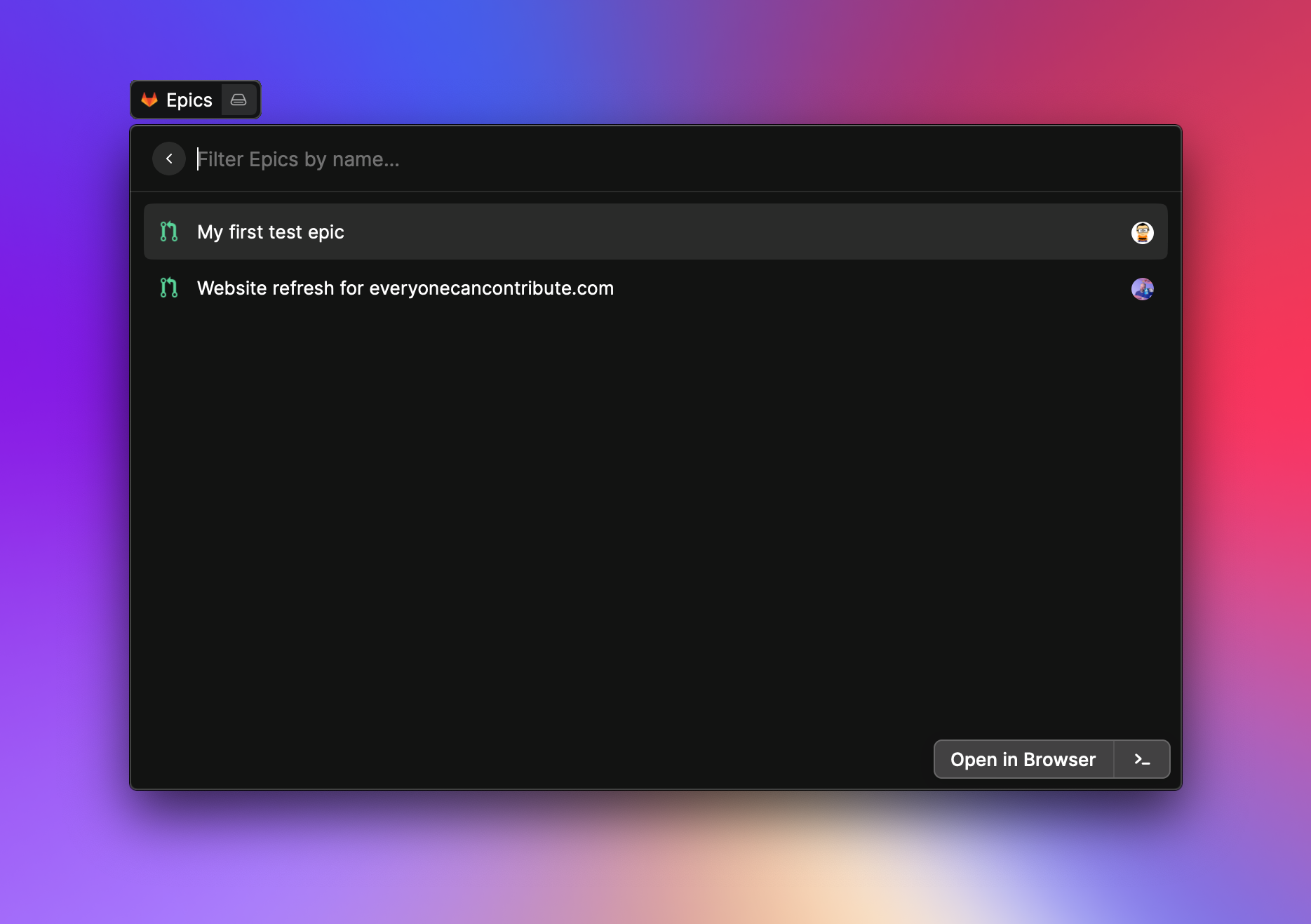
- Manage your epics
- Manage your merge requests
- Manage your reviews
- Search other users
and many more
Authentication
The extension supports two authentication methods. Which one it uses depends on which credential you fill in, with the Personal Access Token taking precedence when both are set:
- Personal Access Token, used whenever the
API Tokenpreference is set. Simple, ideal forgitlab.comand instances without rotation. - OAuth (PKCE), used whenever the
API Tokenpreference is empty. Recommended for enterprise instances that revoke or rotate Personal Access Tokens. Tokens are stored encrypted by Raycast and refreshed automatically. The browser flow runs only on first use and when the refresh token is revoked.
Leaving both empty configures neither method, and commands report that no API Token or OAuth Application ID is set.
Option A: OAuth (recommended for enterprise / token-rotating instances)
- Open your GitLab instance (e.g.
https://gitlab.comor your self-hosted URL). - Go to
Preferences>Applicationsand clickAdd new application. - Fill in the form:
- Name:
Raycast GitLab(or any label). - Redirect URI: paste both lines below, one per line. GitLab does exact matching, and Raycast may use either form depending on the version, so registering both avoids "redirect URI is not valid" errors.
https://raycast.com/redirect?packageName=Extension https://raycast.com/redirect/extension - Confidential: leave unchecked. Raycast is a public client and authenticates via PKCE.
- Scopes: tick
api,read_user, andread_repository. The extension always requests these three.
- Name:
- Save and copy the Application ID.
- In Raycast, open the GitLab extension preferences:
- Set GitLab URL to your instance.
- Paste the Application ID into OAuth Application ID.
- Leave API Token empty. A token there takes precedence and OAuth is never used.
- Run any GitLab command. Your browser opens once for authorization. After that the extension refreshes access tokens automatically and re-authorizes only if the refresh token is revoked.
Once you have authorized, Raycast adds a logout option to the extension preferences. Logging out (e.g. to switch accounts) makes the next GitLab command start a fresh authorization flow, as long as the API Token field is still empty. Filling that field back in switches authentication back to the token, and logging out has no further effect.
Option B: Personal Access Token
-
Go to your GitLab instance e.g. https://gitlab.com
-
Click on your avatar image in the right upper corner
-
Click on
Edit profile -
Click on
Access Tokenson the left sidebar -
Give your token a name e.g.
raycastand set an expiration date (highly recommended) -
Select your scope of choice
You need at least
read_api. When you want to make write operation via raycast, you should useapi -
Store the given access token in a secret box because GitLab want show you the key again
-
Go to the preferences in Raycast (or start any command of GitLab extension)
-
Set your GitLab instance url
For gitlab.com this would be
https://gitlab.com. Your own instance could behttps://mygitlab.org. -
Set the token from the previous step into the
API Tokenfield
Now you should be able to manage your GitLab instance with Raycast 🚀.
Tip: If your instance auto-revokes Personal Access Tokens (e.g. nightly), use OAuth instead. The Application ID is permanent; access tokens are minted from a long-lived refresh token, so you re-authorize only when the refresh token itself is revoked.
API Token/Personal Access Token scope
For all read only commands the read_api scope is enough. If you want to create/modify e.g. an issue you need
the api scope.
Self-hosted instance
If you use a self hosted instance make sure that you set your custom CA certificate in the preferences. This can be a tricky process and you need to make sure that you use the right certificate otherwise you get an error. The extension use your certificate and pass it directly to nodejs network stack. If you have troubles checkout various nodejs guides around the internet or checkout the official nodejs documentation.
You can disable certificate errors, but this is not recommended for security reasons ⚠️.
Showcases
Todos
My Open Issues
My Groups
Epics